

Calendar changes need matching Slack rules
Native calendar sync covers some statuses. Custom lunch, focus and boundary signals still need rules that follow the blocks you configure.
Create modes for calls, focus, lunch, out-of-office, and more. ModePilot matches them to your calendar and automatically updates your Slack status, emoji, presence, and DND.
Get startedYour calendar already knows when you are on a call, protecting focus, taking lunch, or finished for the day. Manually translating every change into Slack creates stale signals, avoidable interruptions, and one more layer of work.
Native calendar sync covers some statuses. Custom lunch, focus and boundary signals still need rules that follow the blocks you configure.
DND may stop notifications, but a green dot can still tell teammates you are available while you are on a call, concentrating, or away.

Every trip into Slack to set, clear, or correct a status is another context switch prompted by information your calendar already holds.
ModePilot uses your Google Calendar and working schedule to keep your Slack status, emoji, availability, and DND up to date automatically.
Show a clear status for a booked call, focus block, lunch, after-hours period, or any other mode you configure.


Focusing until 12:30
Calendar contextPair each state with a standard or custom workspace emoji so teammates can understand it before reading the full status.
Choose whether each ModePilot mode leaves Slack presence on Auto or switches it to Away. Schedule boundaries and out-of-office blocks can also set presence to Away; Slack decides the active indicator when presence returns to Auto.
Turn DND on for calls, focus time, lunch, or after-hours periods, then restore notifications when that context ends.
Until 12:30
The value is clearest when one workflow can handle changing calls, moving recovery blocks, and honest boundary transitions without special-case setup each time.
What changesA booked call reaches its start time in Google Calendar.ResultSlack updates its status, emoji, availability, and DND for the call.What changesA booked call reaches its start time in Google Calendar.ResultSlack updates its status, emoji, availability, and DND for the call.What changesA lunch block is moved later in the calendar.ResultSlack switches into the lunch state when the break actually begins, then clears it when work resumes.What changesThe first work window ends and a midday offline window begins.ResultSlack stops signalling availability during the pause and returns for the next work window.What changesCalendar out-of-office time becomes active.ResultSlack shows a clearer away status, with return-date messaging where configured.Slack offers notification schedules, Google Calendar status sync and calendar-triggered focus mode. ModePilot adds configured status messages, event matching, buffers and workday boundaries when those native options do not cover your workflow.
Manual · Rigid · Outdated fast
Adaptive · Contextual · Always current
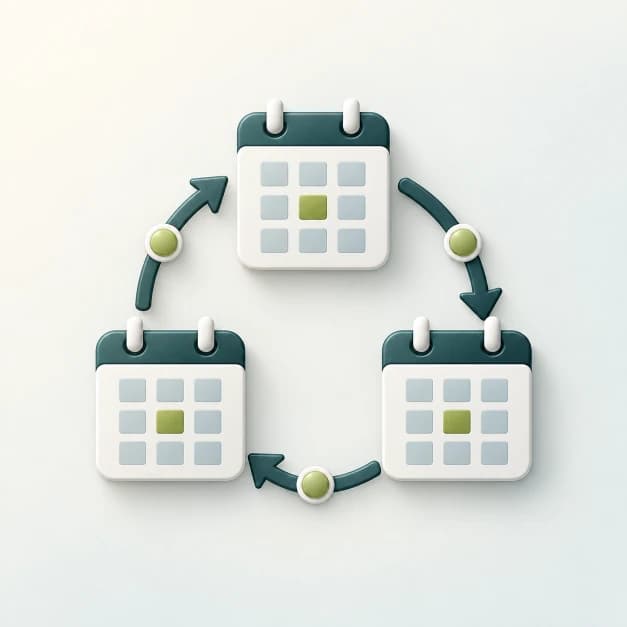
See how recurring blocks reserve time and trigger your automation.
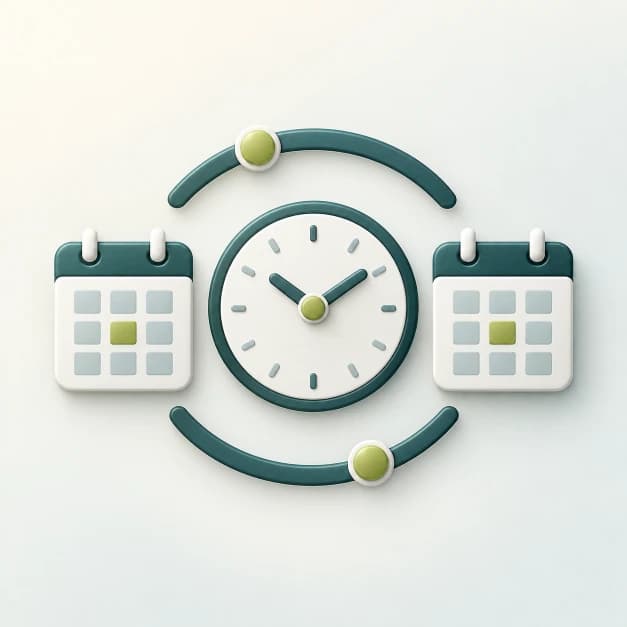
Understand the schedule logic that makes dynamic Slack behavior stronger than fixed-hour rules.
Compare native Slack setup with configurable calendar-driven statuses.

Check event eligibility, account connections and competing status updates.
If Google Calendar already describes the day, ModePilot can carry that context into Slack so status, availability, and boundaries stop depending on manual cleanup.
Google Calendar setup comes first. Slack can be connected later.

