

Fixed-hour tools flatten split shifts
A morning work window, a genuine pause, and a later return cannot be represented honestly as one continuous working day.
Handle split shifts, moving breaks, flexible finishes, late extensions, and cross-midnight work with calendar and schedule rules that keep Slack and after-hours behavior aligned.
Get startedA single start and finish time works until the day develops a different shape. Split shifts, moving meetings, and changing responsibilities need a schedule that can respond with them.
A morning work window, a genuine pause, and a later return cannot be represented honestly as one continuous working day.
Meetings, focused work, appointments, and personal responsibilities can move when the day starts, pauses, resumes, and ends.
When the calendar changes, availability, Slack status, and DND should follow it instead of relying on a separate manual schedule.
One window is not every workday.
Paused is not finished.
Late today should not mean late forever.
ModePilot combines recurring schedule windows with adjustable calendar blocks and day-boundary logic, giving the rest of the automation an honest answer to one question: are you working now?
Define one or more working windows for each day, including split shifts that pause and resume automatically.
Carry a flexible lunch or midday pause on the calendar, then drag it when the day changes without reopening ModePilot.
Close the day earlier when the calendar clears or keep it active when a live block runs beyond the usual finish.
Done at 4:15 PM
Use a logical workday boundary so later sessions still belong to the right day and switch off at the right point.
This feature matters when a normal week includes moving breaks, uneven finish times, and work windows that do not map cleanly to fixed hours.
 What changesThe schedule contains a morning window and a later evening window.
 ResultSlack follows your outside-hours status and DND settings between shifts, then resumes workday behavior for the second shift.What changesThe schedule contains a morning window and a later evening window.ResultSlack follows your outside-hours status and DND settings between shifts, then resumes workday behavior for the second shift.What changesA midday break moves later than usual.ResultThe work state follows the real break without leaving Slack or DND stuck.What changesA live client call extends beyond the usual finish.What changesA one-off date differs from the recurring weekly schedule.
Simple native schedules work for stable nine-to-five days. Flexible schedule logic becomes useful when the workday changes shape through the week.
Manual · Rigid · Outdated fast
Adaptive · Contextual · Always current

Compare notification schedules, split shifts and calendar-driven availability.
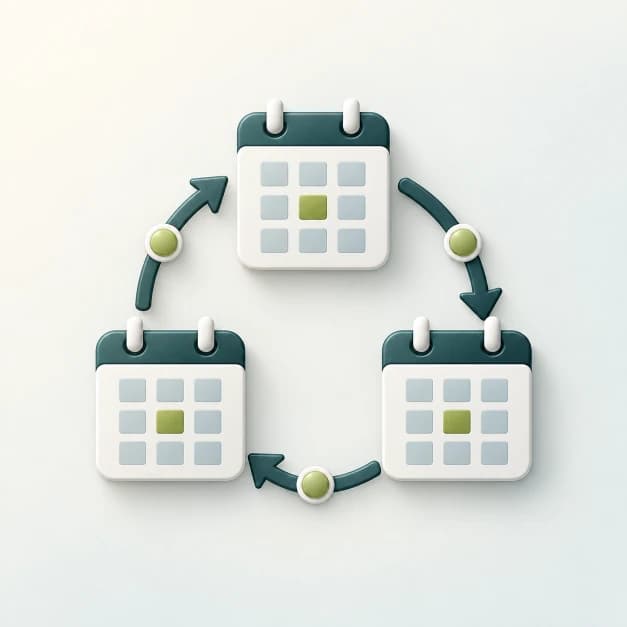
See how recurring blocks work within flexible schedules.
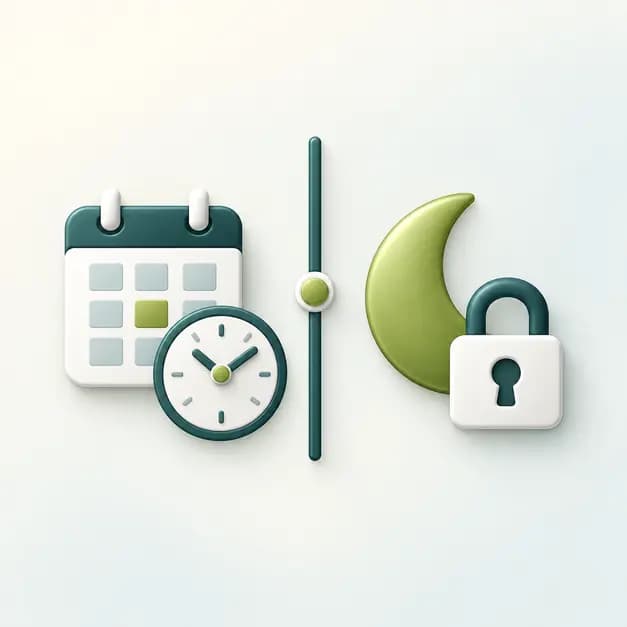
See how flexible finish logic turns into a cleaner end-of-day boundary.

See how uneven availability and boundaries shape a broader remote workday.
Set the work windows that fit your week and let ModePilot keep Slack and after-hours behavior in step as plans change.
Google Calendar setup comes first. Slack can be connected later.

